Add an image
Choose a clear photo from your device. Images with good contrast and a simple background usually produce the cleanest lines.
Turn a photo into a clean outline drawing with a free online converter.
For coloring pages, tracing, sketches, stencils, and craft projects.
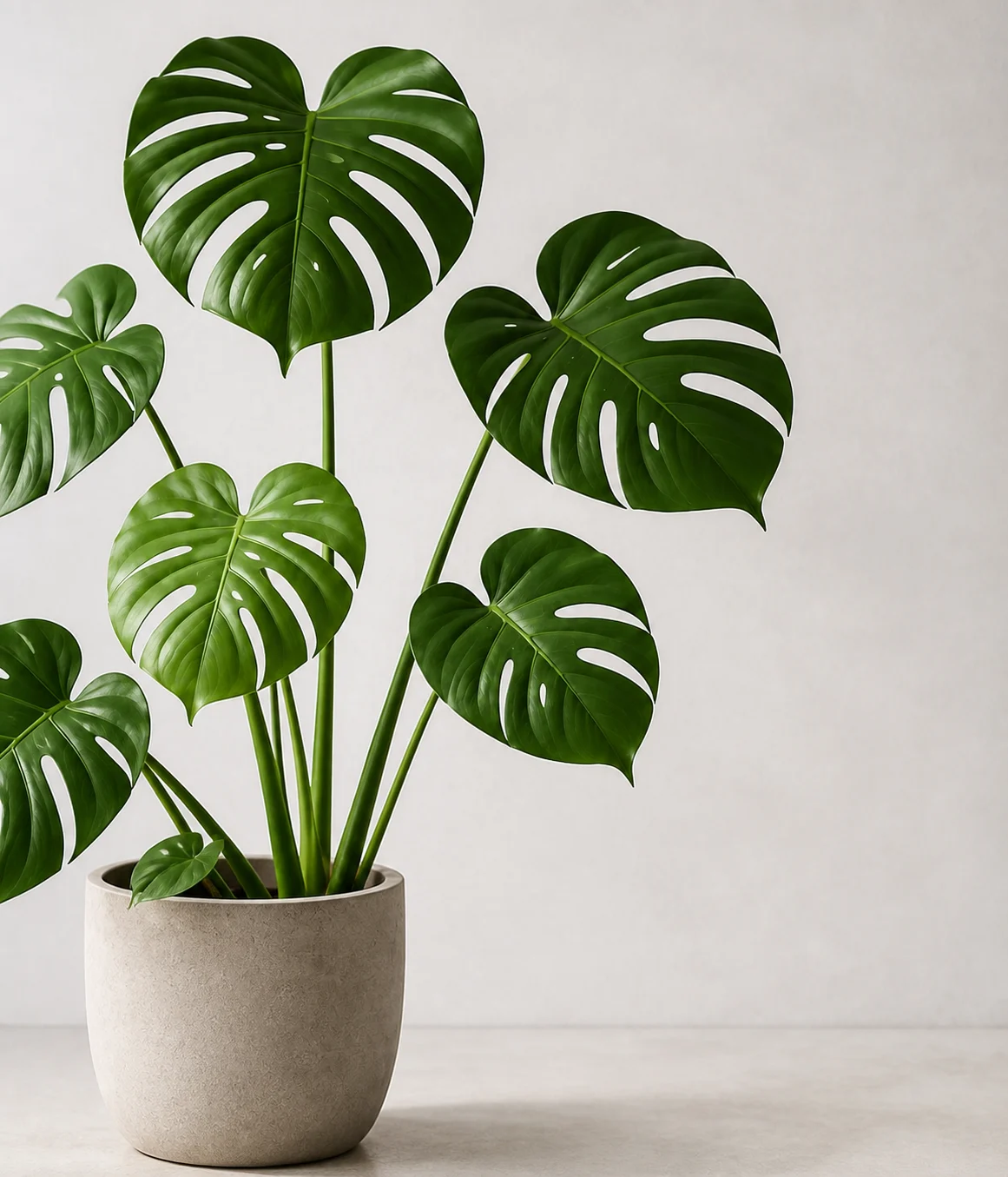
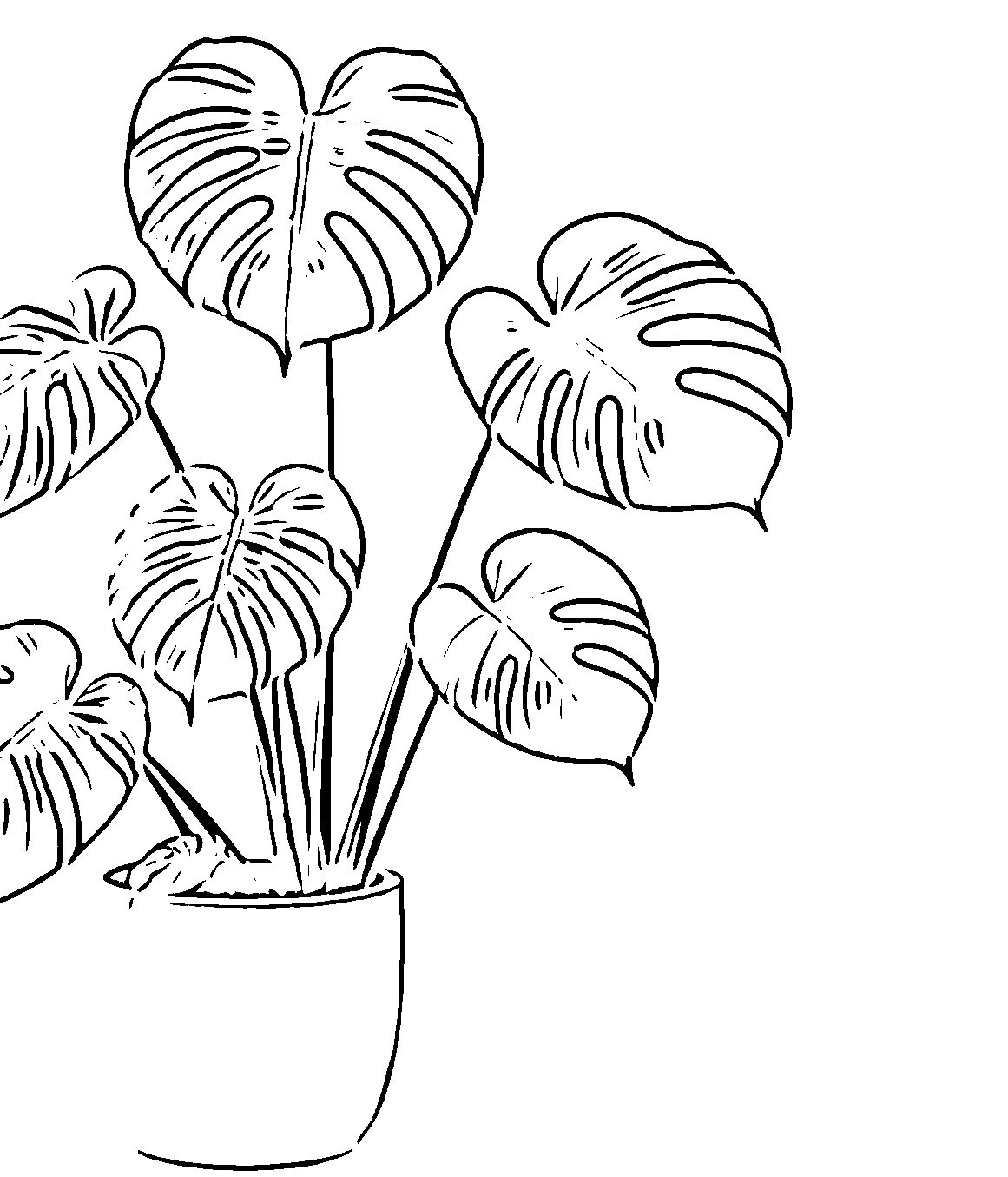
Large files are processed in a background worker. Desktop output is capped at 2400 px; mobile output at 1600 px.
A direct path from source image to useful linework, without accounts, uploads, or detours.
Choose a clear photo from your device. Images with good contrast and a simple background usually produce the cleanest lines.
Pick line art, ink sketch, or pencil shading, then adjust line weight, line density, and background while the preview updates.
Save the finished line drawing as a PNG for printing, tracing, or editing.
Image to Outline looks for the important edges inside your picture and turns them into a simple outline drawing. Instead of tracing only the outside border, it keeps useful details such as facial features, petals, windows, folds, and object boundaries. Adjust the result before you download it, so a detailed photograph can become a clearer image to trace or print.
Lower the line density to simplify a busy photo, or raise it when small shapes matter. Line weight makes the strokes thinner or bolder, and the ink sketch and pencil shading styles turn the same edges into a pen-and-ink or soft pencil sketch. Switch between a white page, a transparent background, or an inverted dark preview without starting over.
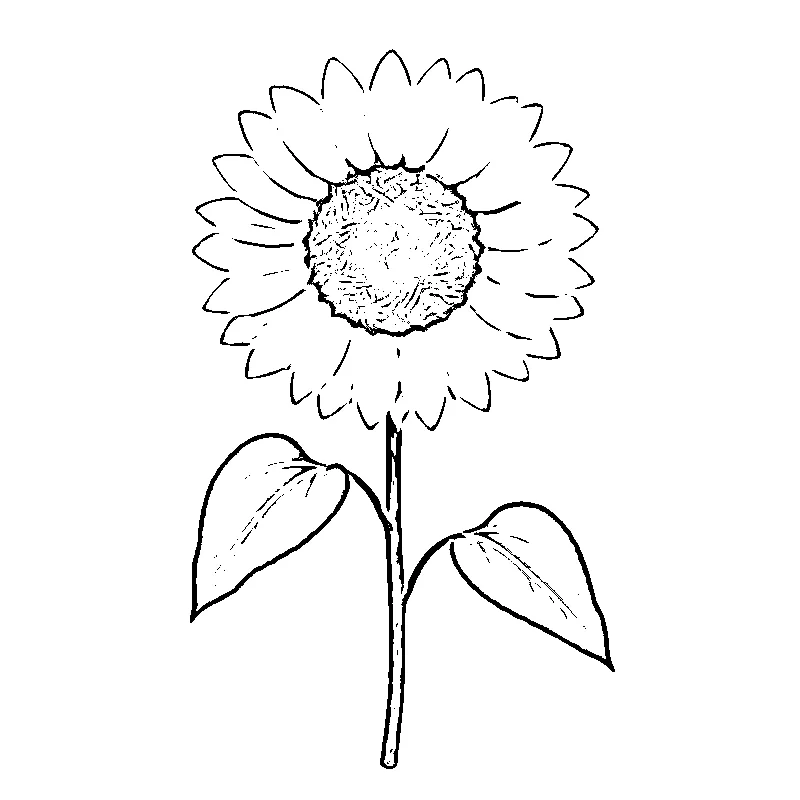
The same sunflower photo through every drawing style and the settings that change it most. Each tile is real, unedited output; click one to open the tool with those exact settings.
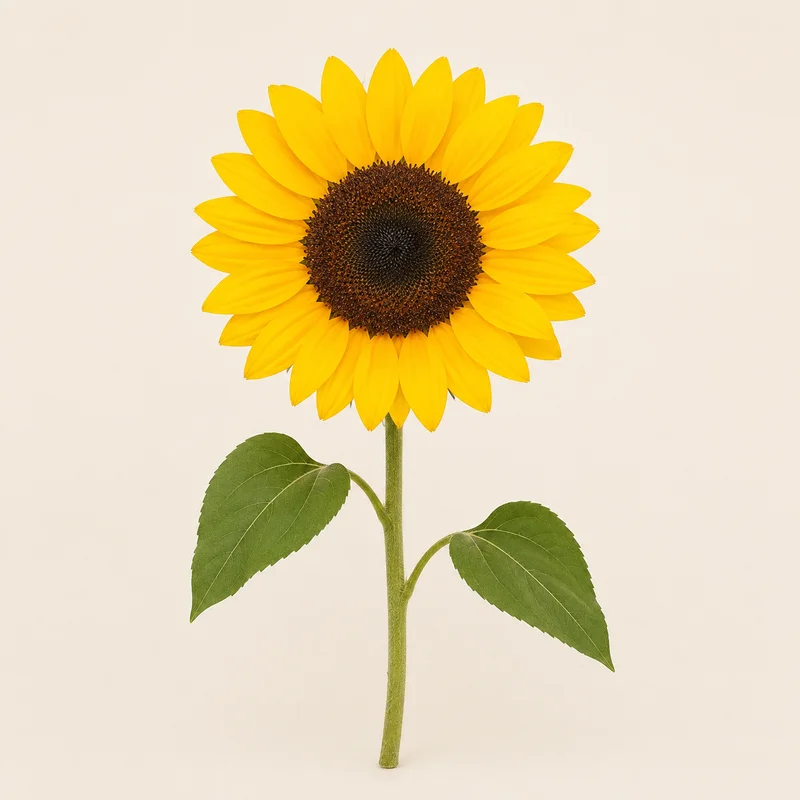
Line density decides how many edges survive; line weight thickens every stroke.
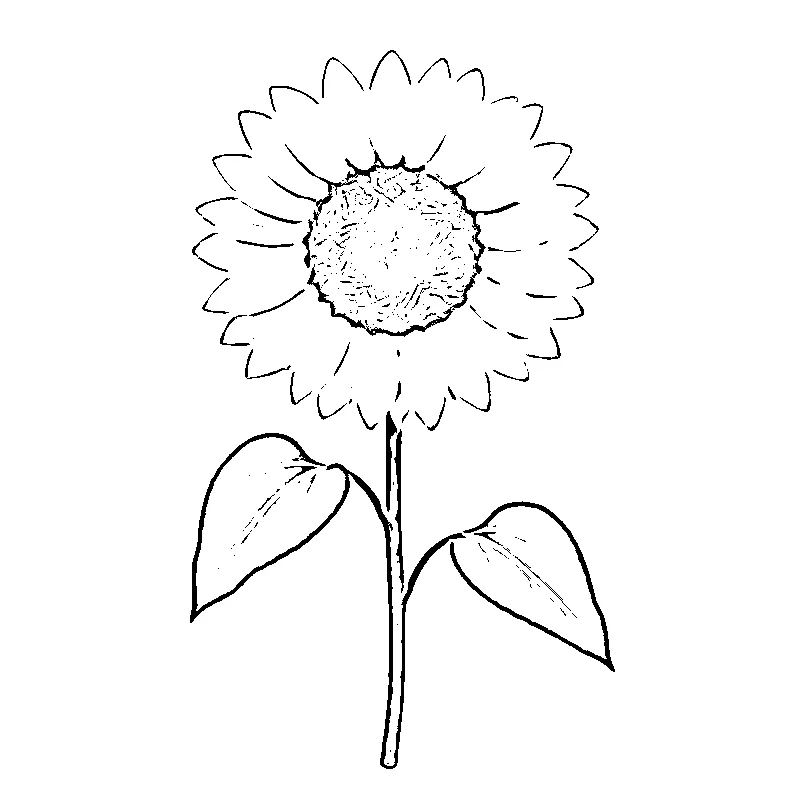
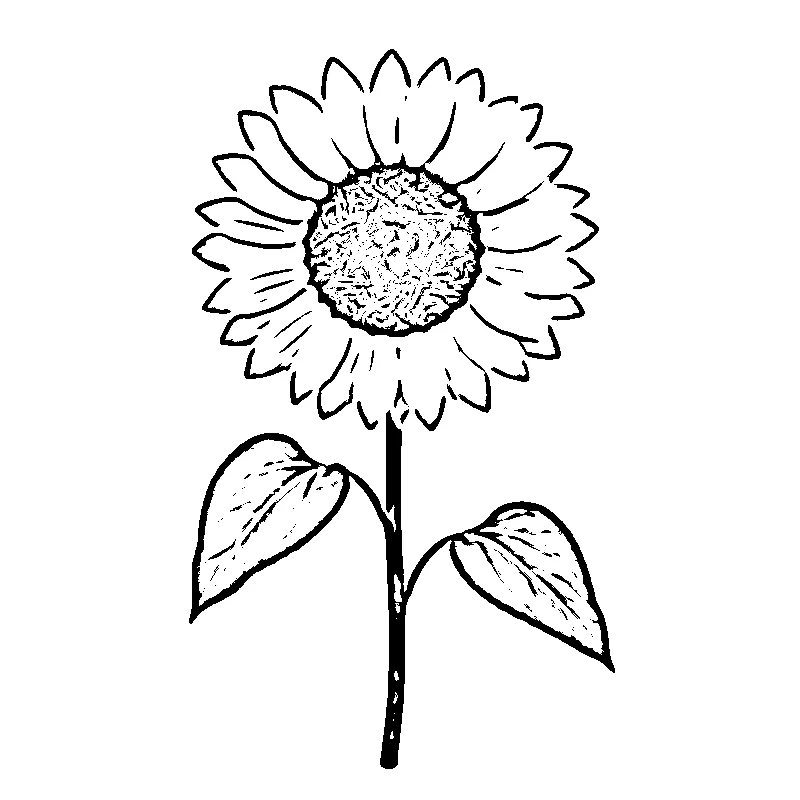
The same controls, but edges become hatched pen-and-ink texture instead of clean contours.
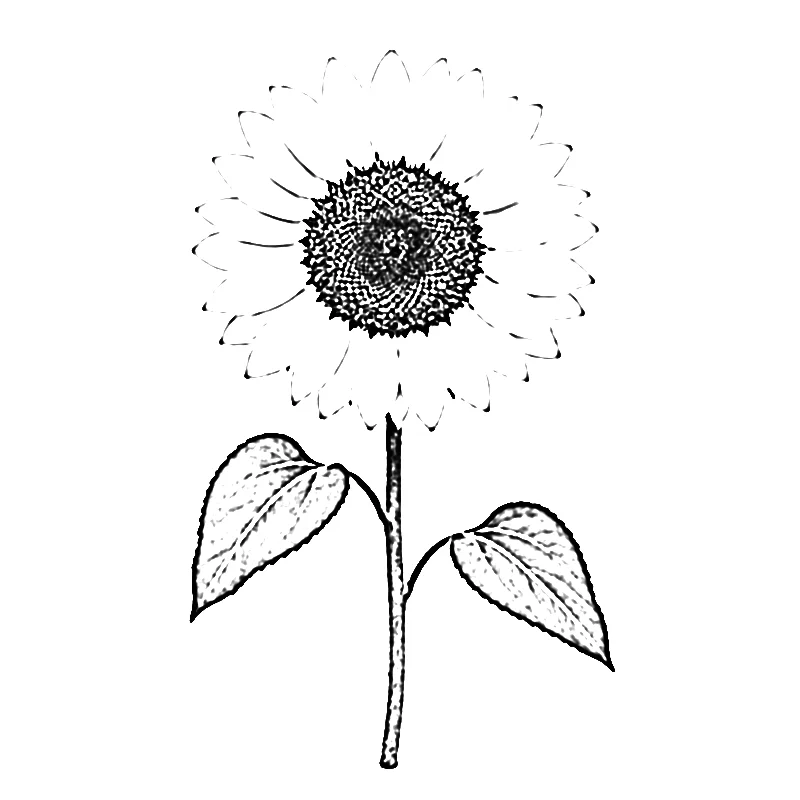
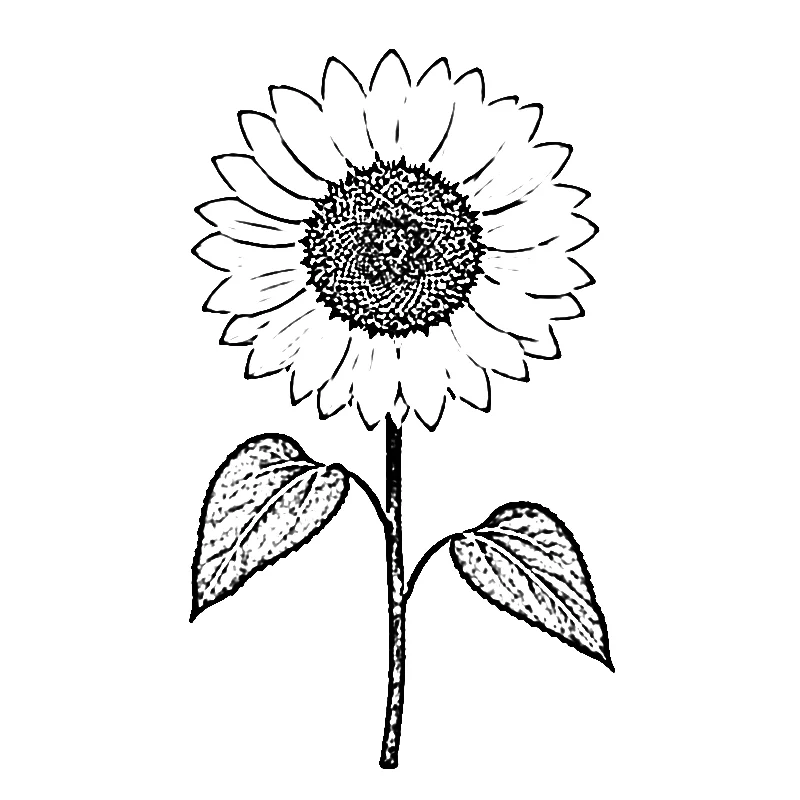
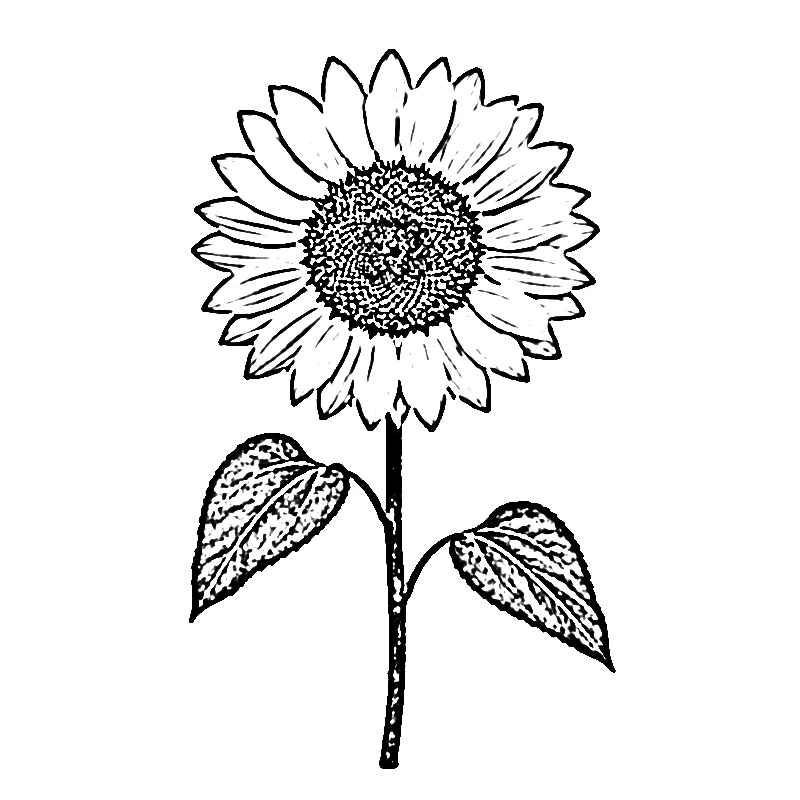
Shading sets how soft the graphite tone is, from crisp pencil lines to a smooth pencil sketch.


Start with a practical reference, then keep drawing, cutting, coloring, or refining in your own medium.
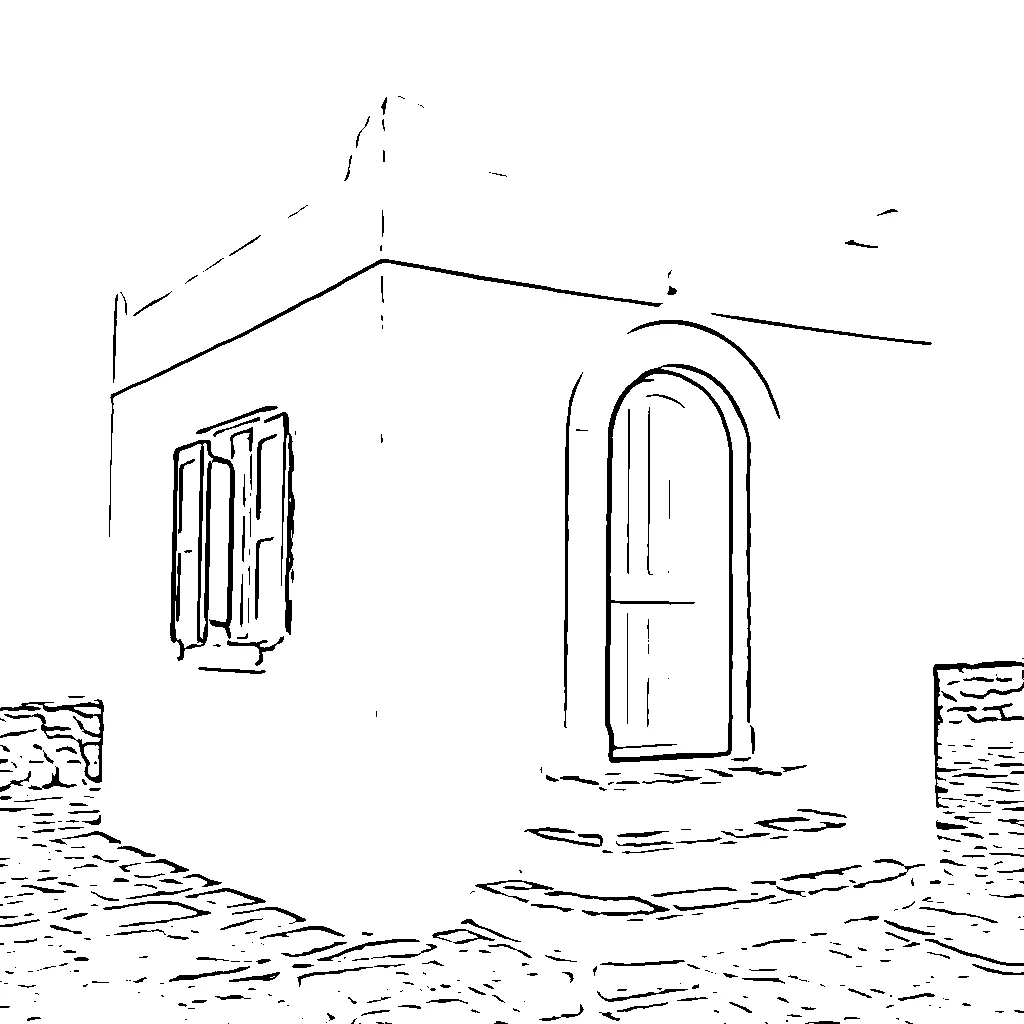
Simplify a favorite photo into printable black lines that are easy to color.
Line art · Density 55 · Weight 8 →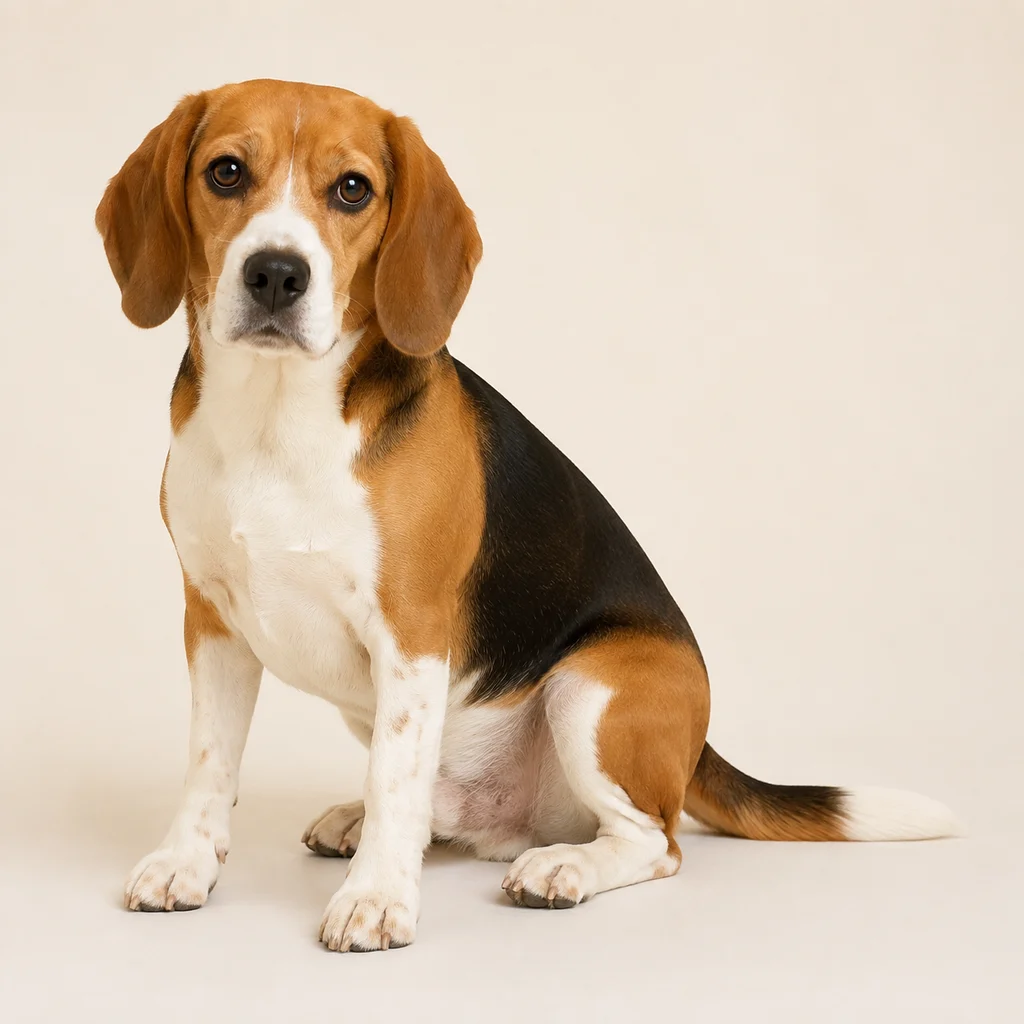
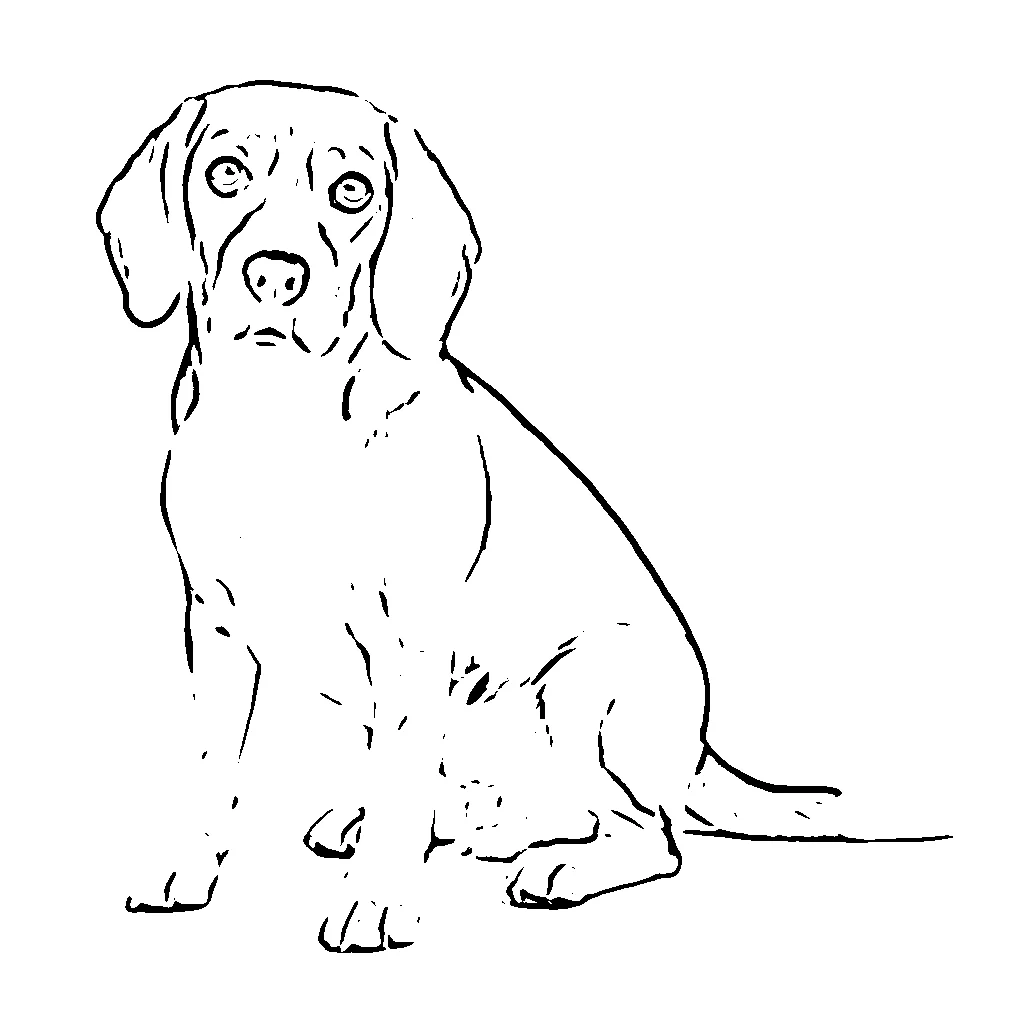
Use the outline as a proportion guide before adding your own shading and detail.
Line art · Density 45 · Weight 3 →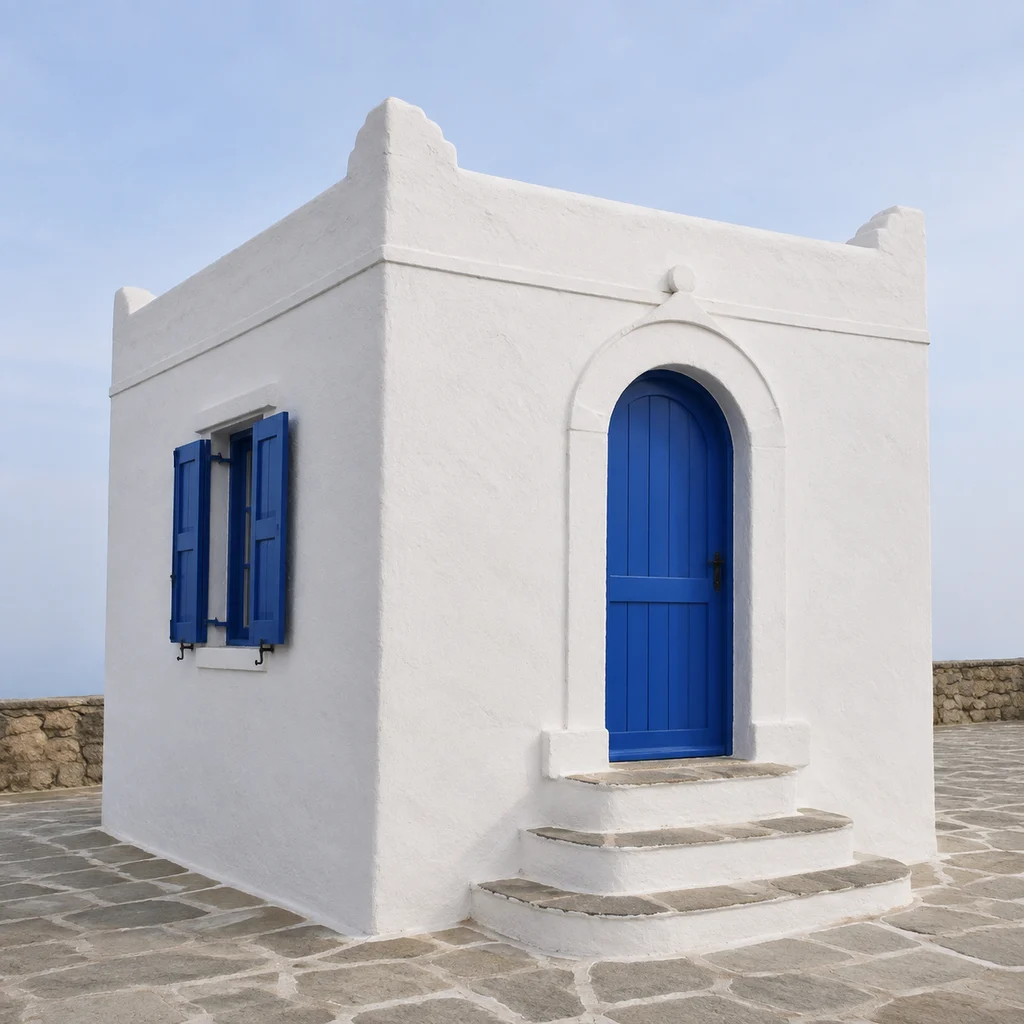
Create a cleaner starting image for cutting, wood burning, engraving layouts, or handmade projects.
Line art · Density 35 · Weight 10 →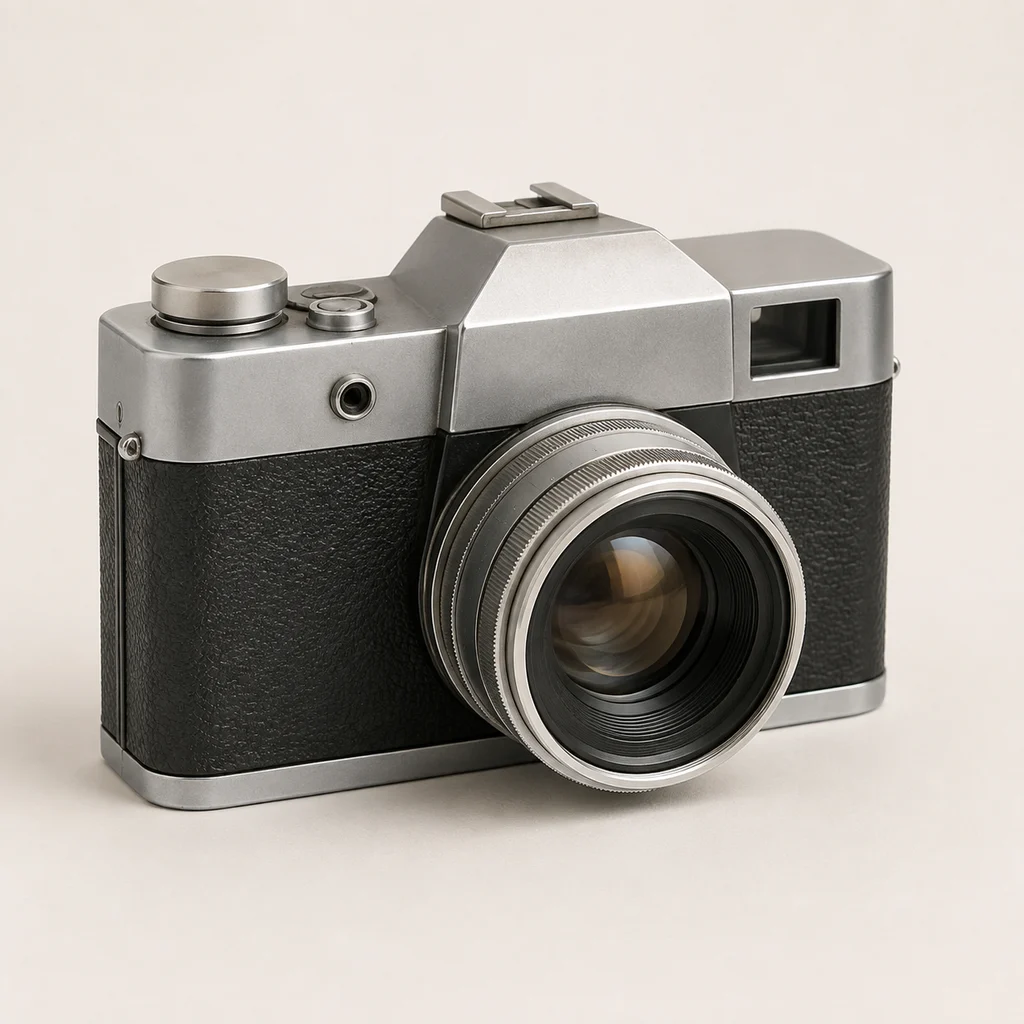
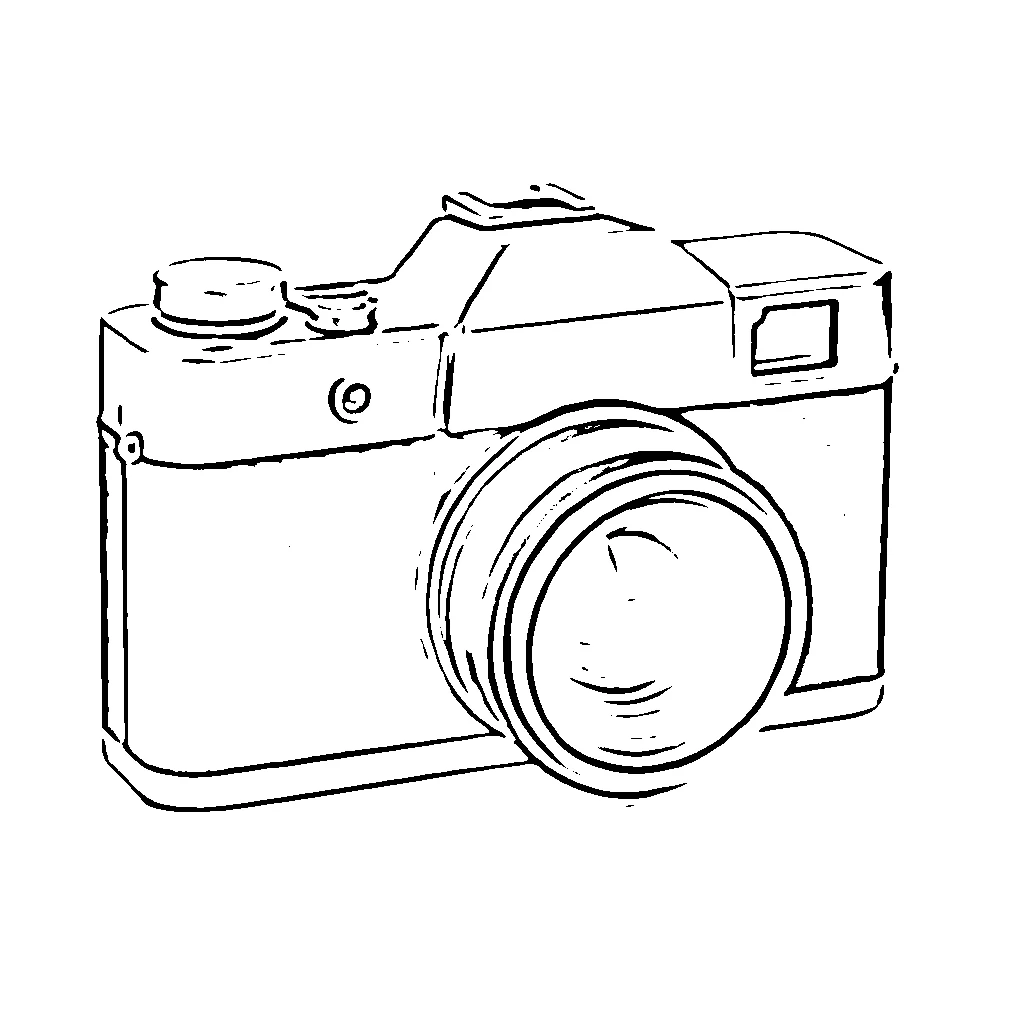
Reduce a photo to its major shapes before discussing a final design with an artist.
Ink sketch · Density 55 · Weight 4 →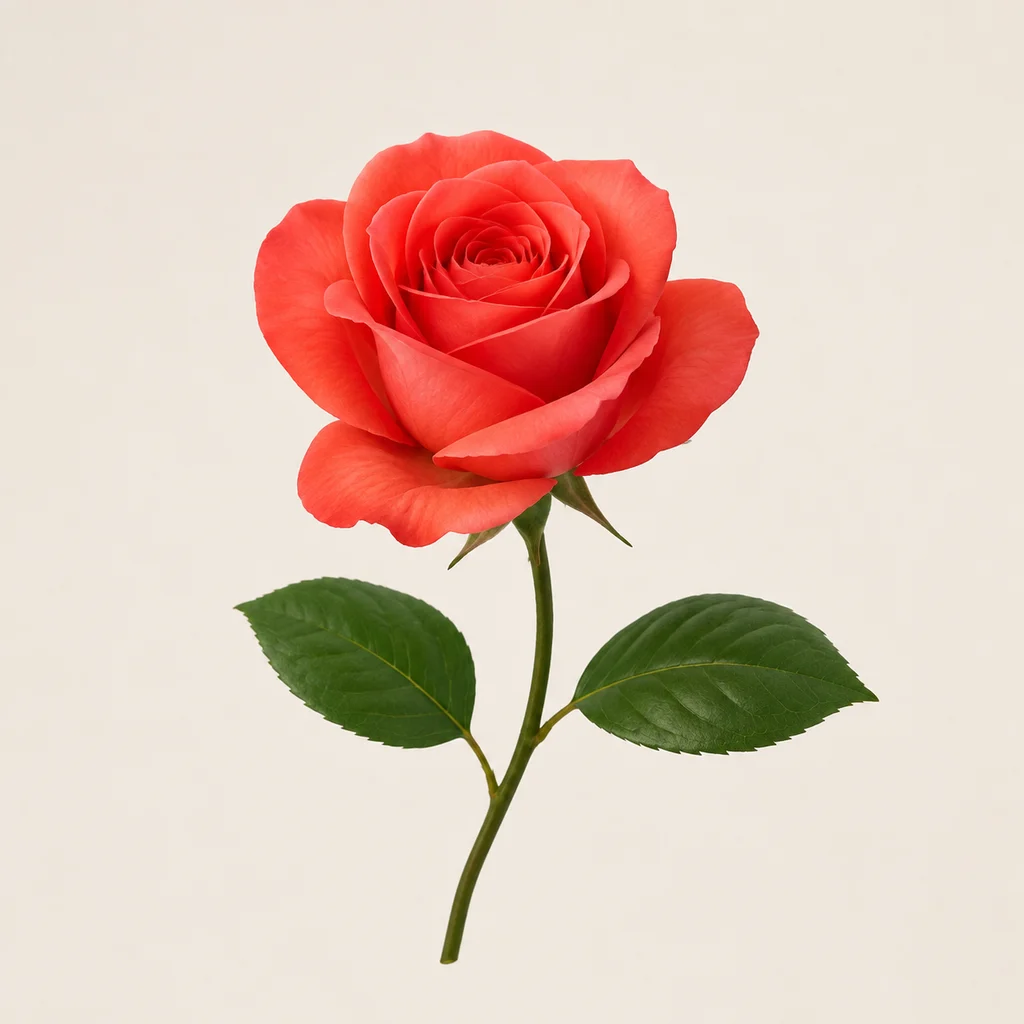
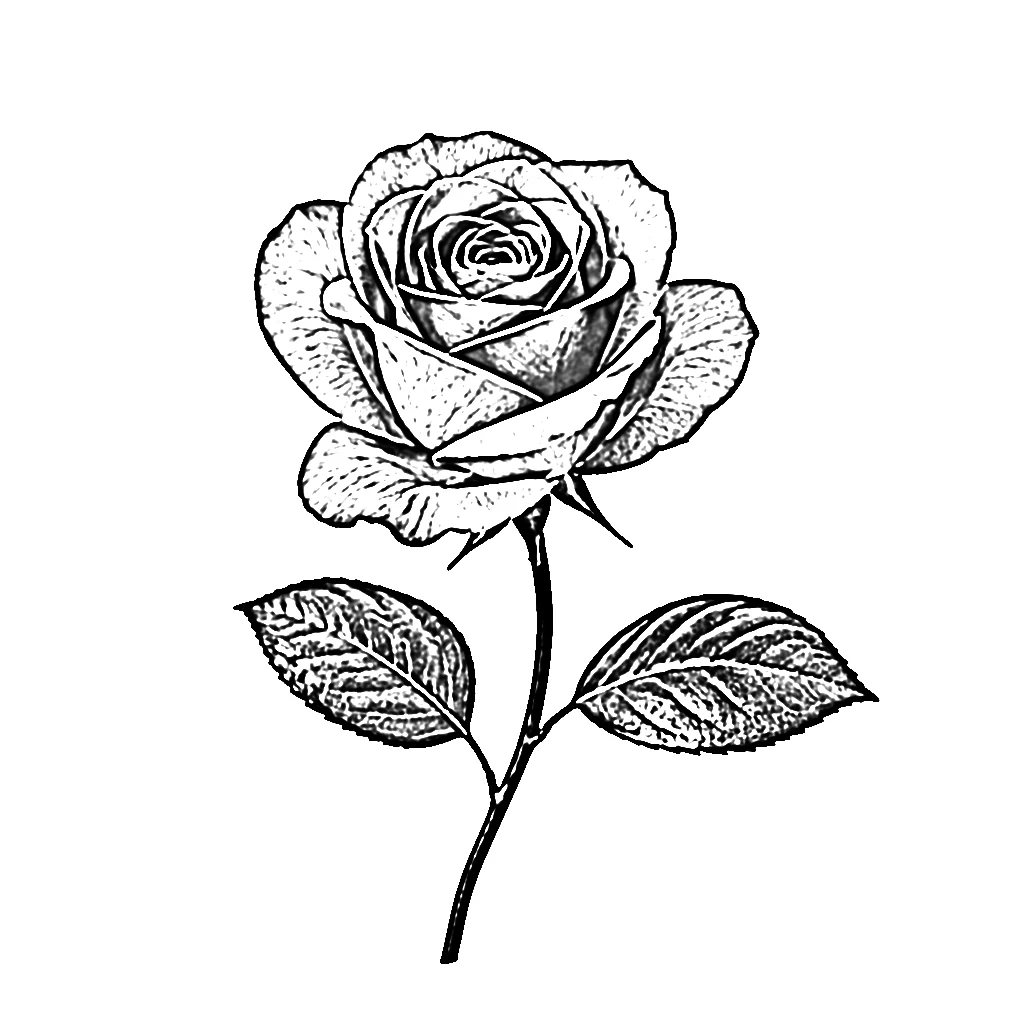
The sample photos are AI-generated; each outline next to them is the tool's real, unedited output at the settings listed.
Image to Outline finds edges throughout the photo and turns them into line art. It is not a sticker-style border tool and does not simply place a colored stroke around a transparent subject.
Add a JPG, PNG, or WebP to Image to Outline, pick a drawing style, set the line weight and line density, and download the preview as a PNG. A clear subject and good contrast usually give the best result.
Yes. The tool detects edges inside the photo and converts them into a black-and-white outline sketch that you can refine before downloading.
Yes. Choose a lower detail setting so the lines stay bold and open, then print the downloaded PNG. Custom coloring pages from your own pictures are one of the most popular uses of the outline maker.
Not in the first version. The download is a raster PNG that keeps the image proportions, not an SVG or vector conversion.
Photos with a distinct subject, even lighting, and a quieter background create cleaner outlines. Use the lower-detail setting when a textured background produces too many marks.
No. Image to Outline processes the image in your browser. Your original file does not leave your device.
Image to Outline's basic single-image converter is free, requires no credits, and adds no watermark. An account is only needed for paid features when they are available.
Add an image, simplify the details, and download an outline you can use for your next project.